
The Challenge
In an asynchronous course, students analyze texts without a teacher beside them. They needed a reference that explained authorial choices across text types without burying them in information irrelevant to the text in front of them.
The Process
I built the toolkit as a tabbed Google Doc, since the district already works in Google Workspace.
- Chunked by text type: the toolkit is organized into tabs by text type, so students open only what applies to the text they’re reading.
- Consistent entries: each tab sorts devices into linguistic and structural choices, plus visual choices for non-literary texts. Every entry gives a definition, an example, and a sentence connecting the choice to an IB concept. Devices that recur across text types keep identical entries.
- Branded to the course: the same header, font, and blue palette as the rest of the course, with objectives on the introduction tab.
- Accessible: headers tagged with Grackle Docs and color contrast checked against WCAG 2.1.
The Results
Students get one reference they can navigate independently, organized by the text they’re reading. Chunking keeps cognitive load manageable, and tagged headers let screen reader users move through the document’s structure.
Toolkit Screenshots
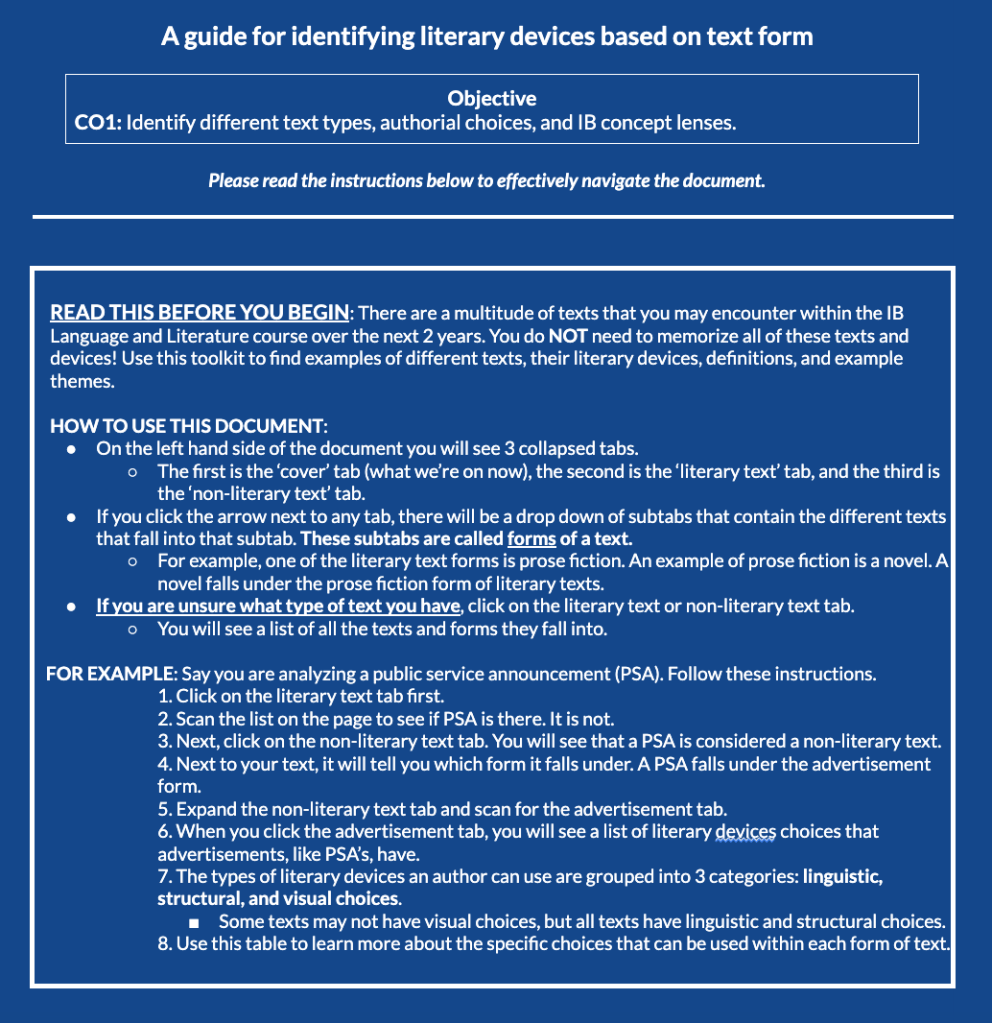
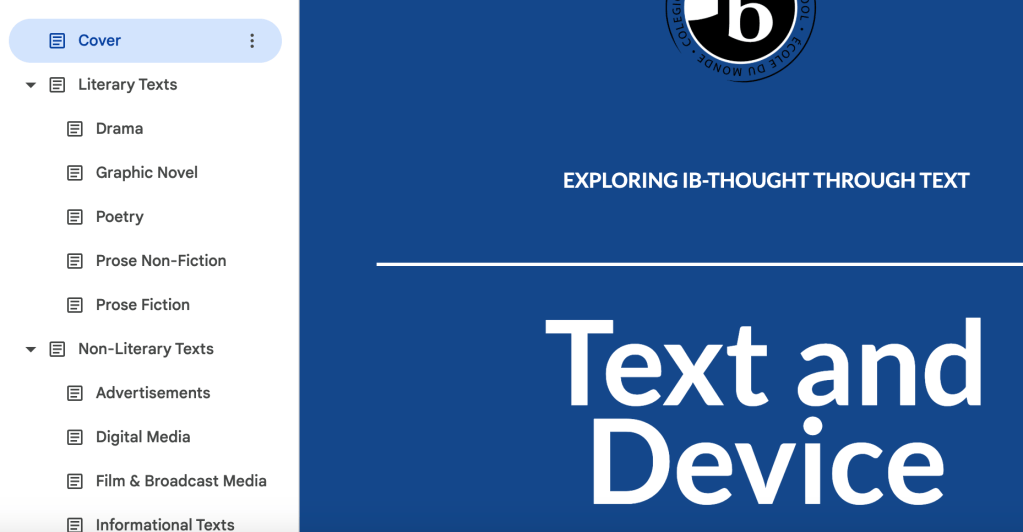
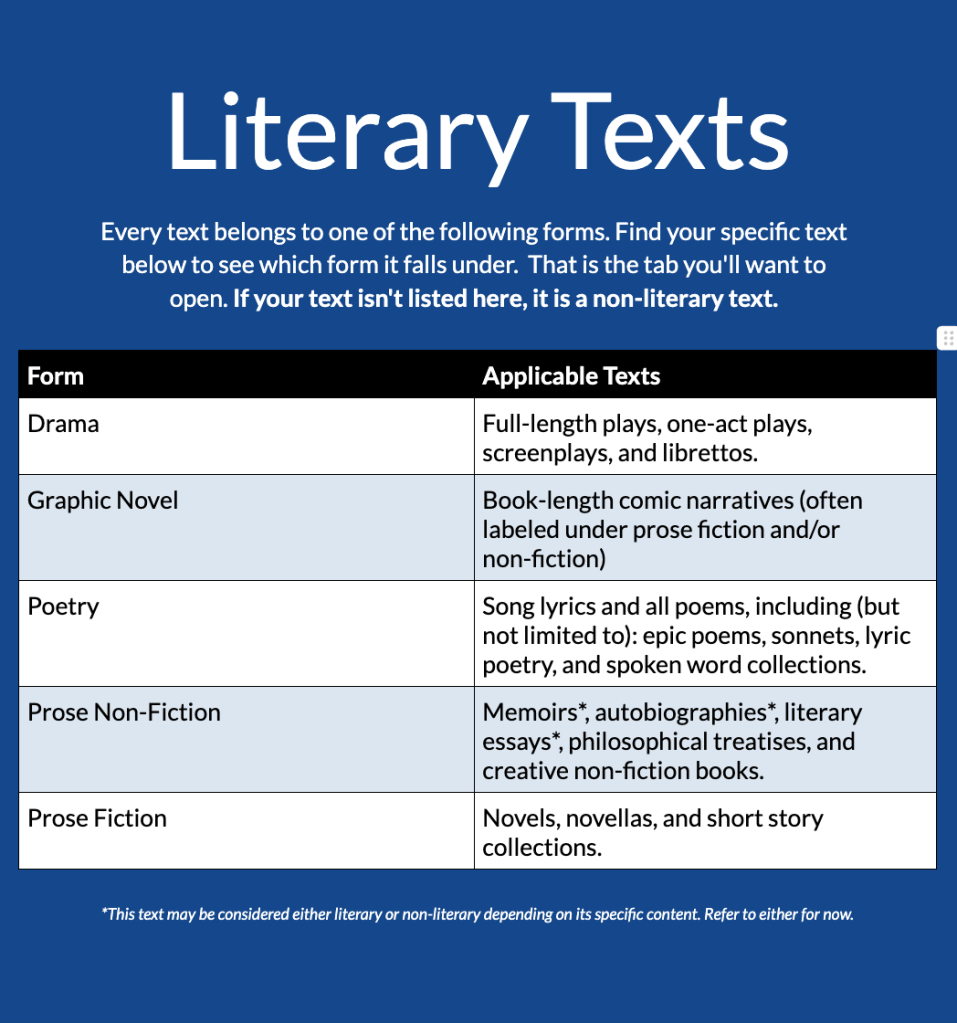
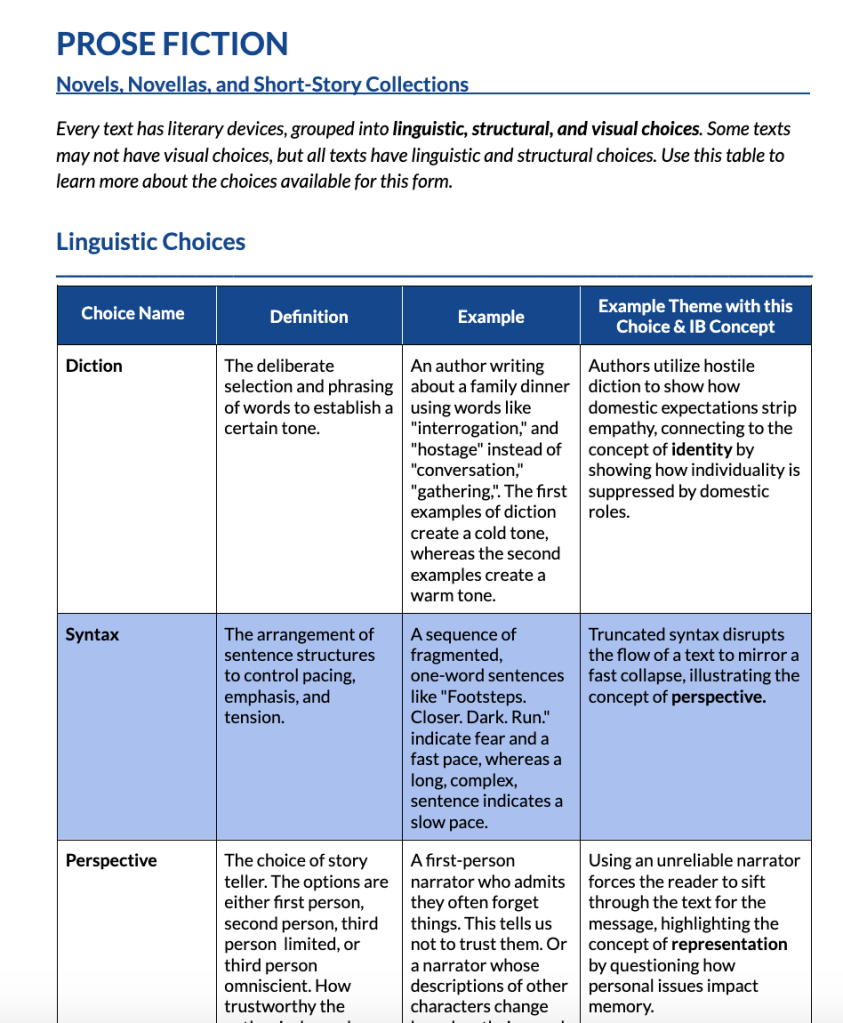
Full Toolkit
This is a Tabbed, Google Document that is not supported by PDF at the moment. Please view the public link below.
https://docs.google.com/document/d/1T1dwa1quJ_NmiRtfmTAdoty_tubCUjCm8v9NK_F17u4/edit?usp=sharing

